Get Entry Notes
Overview
This action allows you to retrieve notes for a specific entry.
Configuration
Entry ID
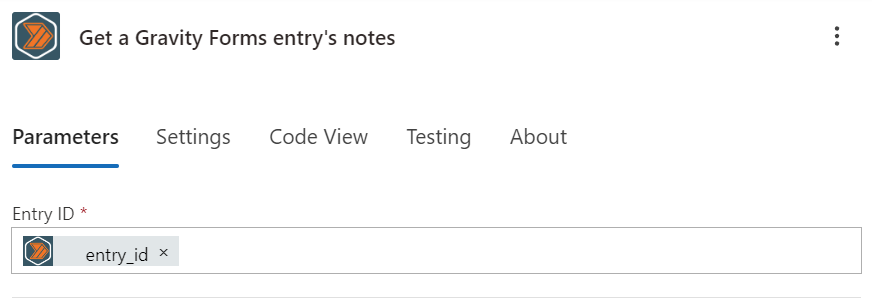
When you select the "Get a Gravity Forms entry's notes" action, you will be prompted to enter the ID of the entry you want to retrieve notes from.
Outputs
An array is returned with each of the items containing the following fields:
ID
The ID of the note that was created.
Entry ID
The ID of the entry that the note was created for.
User ID
The ID of the user that created the note. If not specified, this will be 0.
Date Created
The date and time the note was created.
Value
The content of the note.
Note Type
The type of note that was created.
The standard note types supported by Gravity Forms are:
- "user" (Default value)
- "system"
- "note"
- "notification"
- "save_entry"
- "gravity-forms-power-automate-pro" (For our notes)
- The slug of any add-on plugin that creates notes
Sub Type
The subtype of the note that was created.
Gravity Forms applies nice looking styling to notes with the subtypes "success" and "error".
User Name
The name of the user that created the note.
User Email
The email of the user that created the note. This will only be set if the user id is valid. If the user id is not valid, this will be empty.